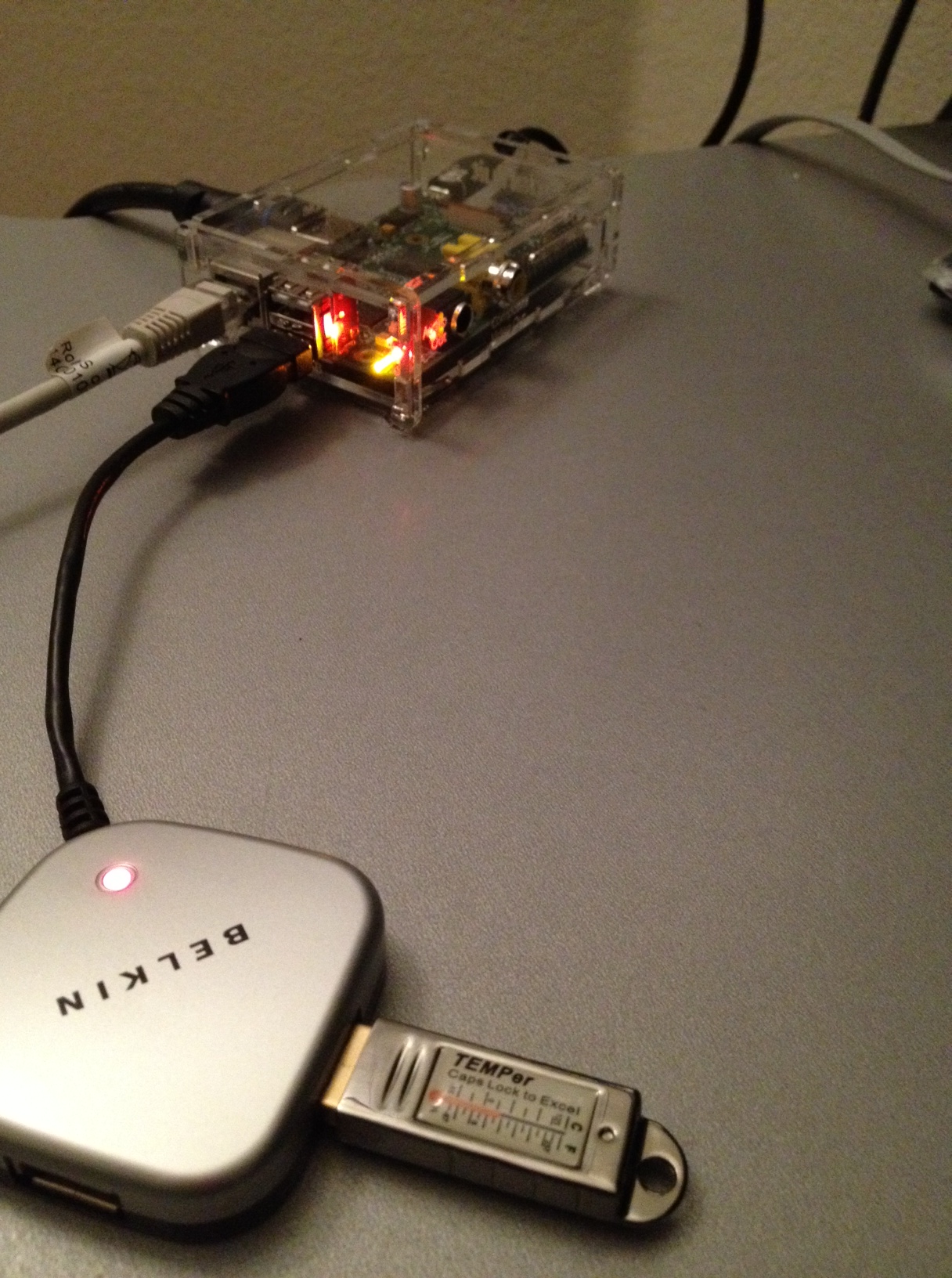
Followings are notes how I set up USB Thermometer with Raspberry Pi
1. Hardware: USB Thermometer
I bought TEMPer USB Thermometer w/ Alerts.
2. temper – A command line sensor logger for Temper1 devices (C language)
Requirements (build-essential libusb-1.0.0 and libusb-dev)
    sudo apt-get install build-essential libusb-1.0.0 libusb-dev
    Note: Should install libusb-dev instead of libusb-x.x.x-dev

Source codes
    git clone https://github.com/bitplane/temper.git

Compile
    cd temper
    make

Usage
    sudo ./termper

Output
    28-Jan-2013 07:09,23.581625
temper-python – libusb/PyUSB-based driver to read TEMPer USB HID devices (USB ID 0c45:7401)
Requirements (libusb-1.0.0 and python-usb)
    sudo apt-get install libusb-1.0.0 python-usb

Source Codes
    git clone https://github.com/padelt/temper-python.git

Usage
    cd temper-python
    sudo python src/temper.py

Output
    Found 1 devices
    Device #0: 23.6°C 74.5°F
To allow non-root users access
sudo cp udev/99-tempsensor.rules /etc/udev/rules.d/
    Note: As default, root user has access to usb.

 Life after reading Startup